Recipe importer demo for Paprika
Demo pageA first test of a recipe-scanning idea: this page checks that a recipe file made by a small website can be downloaded on a phone and opened into Paprika.
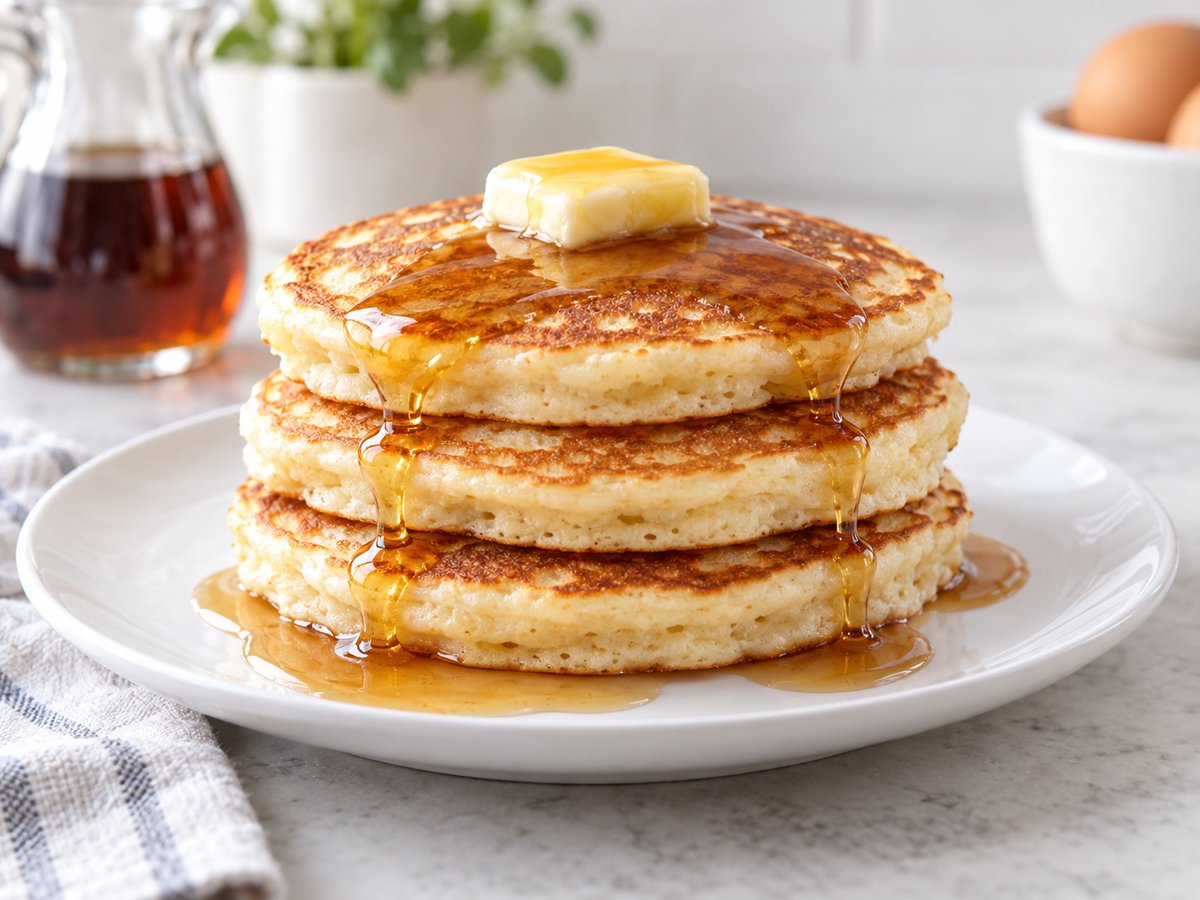
Illustrative image created for this demo.
Demo Buttermilk Pancakes
| Servings | 4 servings |
| Prep time | 10 mins |
| Cook time | 15 mins |
| Source | Recipe importer demo |
This stands in for a real scanned recipe. The finished version will read a photo of a cookbook page or recipe card and build this same file.
Try it on your phone
- Tap "Download the recipe file" below. Expected: your phone saves the file - Safari shows it in the downloads menu near the address bar.
- Open the Files app and find the download (Downloads folder). Tap "Demo Buttermilk Pancakes.paprikarecipes".
- Expected: Paprika opens the sample recipe and offers to import it. Confirm the import.
- Check your Paprika recipe list for "Demo Buttermilk Pancakes (sample recipe)".
If the download opens as a page of text instead of saving, long-press the button and choose "Download Linked File".
What this test tells us
This page tests one step: whether a website on your phone can hand a generated recipe file to Paprika, here by an ordinary file download. The earlier share-button route cannot reach Paprika from a web page, so the download is the path being checked. Reading a recipe from a photo, and reviewing it before import, are still to be built. Nothing on this page reads photos or uses AI, and nothing here costs anything.